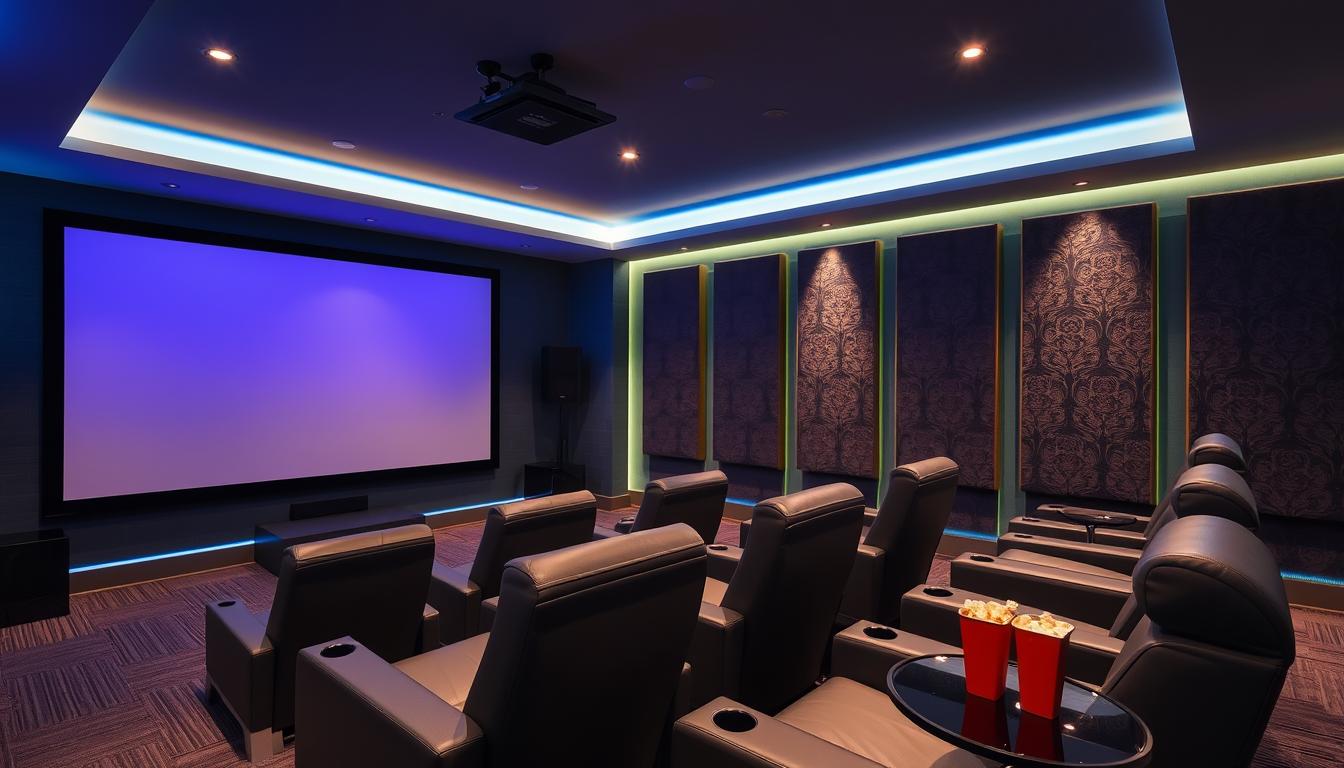
Entering the world of home entertainment, a well-designed home theater system brings the cinema to your living room. It’s perfect for movie buffs, music fans, and gamers alike. With today’s tech, setting up a top-notch home theater is easier than ever.
This guide will show you how to set up a home theater system that changes your entertainment game. We’ll cover picking the right display and audio, optimizing room sound, and adding smart home features. Get ready to turn your living space into a private entertainment paradise.
Key Takeaways
- Understand the key components of a home theater system, including display, audio, and smart home integration.
- Evaluate the best room location and layout for optimal viewing and sound quality.
- Choose the right display technology (TV or projector) based on your room size, lighting, and budget.
- Explore the world of surround sound systems, subwoofers, and Dolby Atmos for an immersive audio experience.
- Learn about the importance of proper wiring, cable management, and room acoustics for a seamless setup.
Understanding Home Theater Basics
To create a great home cinema, you need to know the basics. At the center is the display, like a top-notch TV or projector. Alongside, you have speakers, subwoofers, and a receiver to handle the sound. Together, they turn your living room into a personal movie theater.
What Makes a Home Theater System
A home theater system has a few key parts:
- Display: A large, high-definition TV or a projector with a screen
- Audio components: Speakers, subwoofers, and a receiver to power and manage the audio signals
- Content sources: Devices like Blu-ray players, streaming media players, or cable/satellite boxes to provide the video and audio content
- Accessory connections: Cables, wire management solutions, and other supporting equipment
Home Theater Key Components Overview
Each part of a home theater system is vital for a great experience. The display, whether a TV or projector, sets the visual stage. The audio parts, like speakers and a subwoofer, create a 360-degree sound. The receiver connects everything, ensuring smooth control.
Benefits of a Dedicated System
Having a dedicated home theater system has many perks. It offers bigger screens, better sound, and customization. This setup makes watching movies, TV shows, and gaming better than ever. It turns your living room into a cinema at home.
Choosing the Perfect Room Location
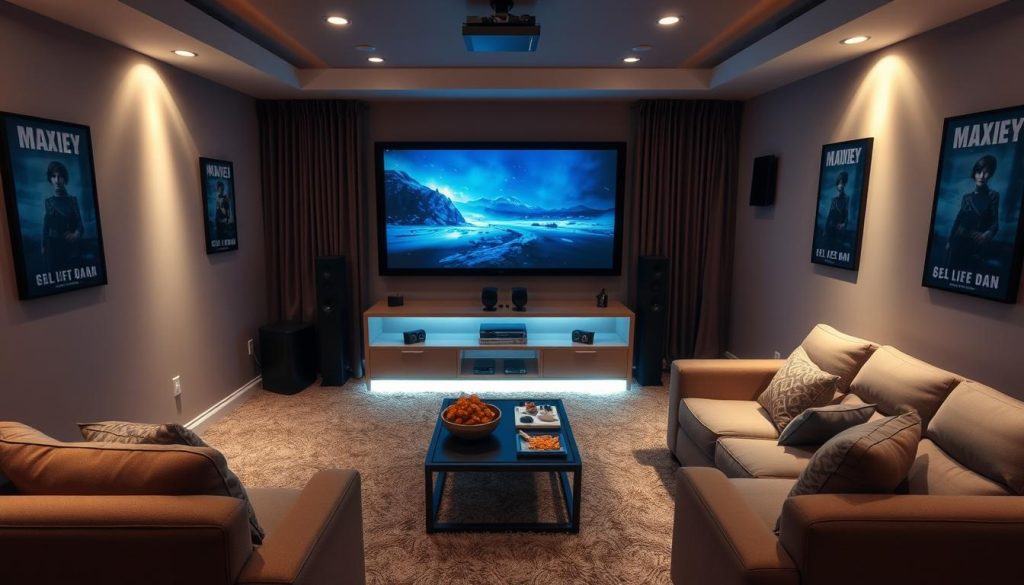
Setting up a great media room starts with the right location. Experts say to pick a room with certain features for the best home theater experience.
The Home Theater Academy suggests a room size of 24 ft x 15 ft with a 9 ft ceiling. Other good sizes are 15 ft x 20 ft, 10 ft x 12 ft, and 8 ft x 10 ft. The golden ratio for design is H x 1.28H x 1.54H for the best sound.
Basements are often the best choice for media rooms because they’re away from other parts of the house. The room should have good sound distribution and not disturb other activities. Acoustic treatments and sound proofing help improve sound and keep it inside the room.
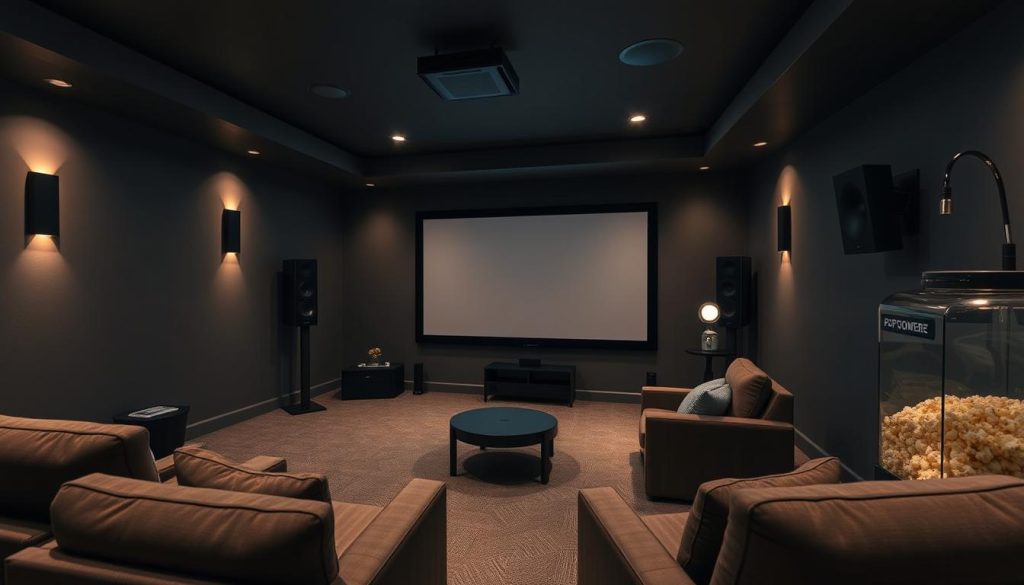
When designing the layout, think about how many people will sit, where they’ll sit, and how the room will be used. Leave 28″ between seats for comfort. The room should be at least 20 feet long and 13 feet wide for all the equipment and seats.
The aim is to make a room that’s just for watching movies, free from distractions. By choosing the right spot and adding sound features, you can turn any room into a great home theater.
Home Theater Display Options: TV vs Projector Selection
Choosing between a TV and a projector can greatly change your home entertainment setup. Each has its own benefits. Knowing these differences is key to making the right choice.
TV Technology Types Explained
There are many TV technologies, each with its own perks. LED TVs are a good mix of quality, energy use, and price. QLED TVs have better colors and brightness. OLED TVs offer the best contrast and blacks.
Think about your room’s light and your budget. This will help pick the best TV for you.
Projector Considerations
Projectors can make your viewing feel like a movie. But, they need more setup and have some downsides. They struggle with light, which can hurt image quality in bright rooms.
To fix this, you might need special screens or curtains to block light.
Screen Size and Viewing Distance
Choosing the right screen size and viewing distance is important for both TVs and projectors. A good rule is to have the screen size be 1.5 to 2.5 times your viewing distance. For example, a 100-inch screen works best from 12.5 to 20 feet away.
The distance between pixels also matters. A 1-1.5mm pitch is usually good for home use.
| Feature | TVs | Projectors |
|---|---|---|
| Image Quality | Excellent in bright rooms, with high contrast and HDR performance | Exceptional image size, but may struggle with ambient light and require specialized screens |
| Flexibility | Stationary, limited in size beyond 85 inches | Portable and versatile, can accommodate larger screen sizes up to 120 inches |
| Setup Complexity | Plug-and-play, minimal setup required | Requires more setup and calibration, including screen placement and lighting control |
| Cost | Affordable for most budgets, with a wide range of options | Generally more expensive, especially for high-end models with advanced features |
Choosing between a TV and a projector depends on your needs, budget, and home setup. Knowing the pros and cons of each can help you choose the best for your home theater.
Essential Audio Components for Home Theater
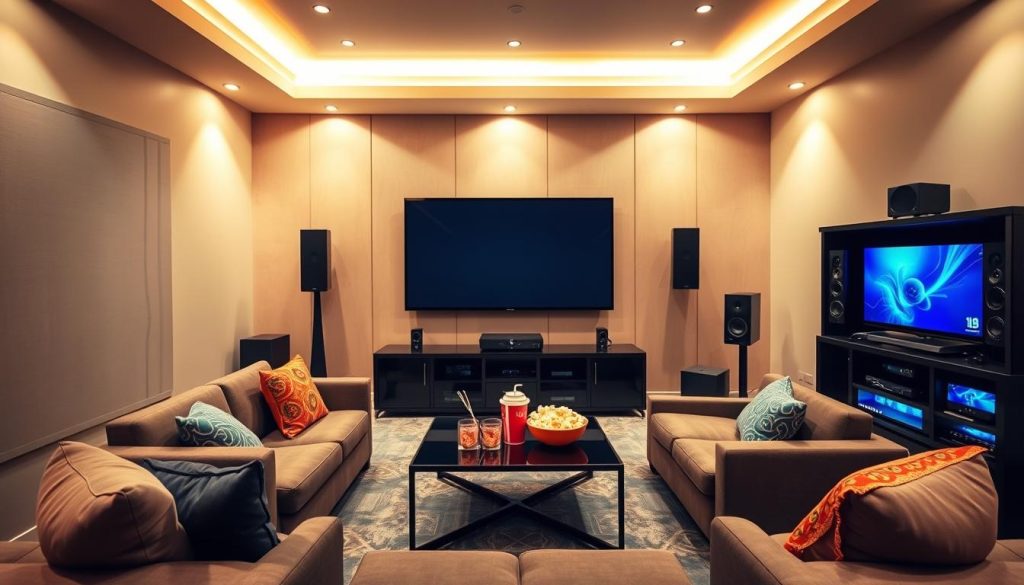
To make a home theater great, you need the right audio parts. You’ll need speakers or a soundbar for main sound and a subwoofer for better bass.
Soundbars are easy to set up and support formats like Dolby Atmos. They give a three-dimensional sound. The Bose Smart Soundbar series is known for its quality and wireless connection. Make sure the soundbar fits your room size for the best sound.
If you have a big room or want surround sound, go for a multi-speaker setup. Brands like Polk Signature Elite offer top-notch sound. Adding a subwoofer like the Rogersound Labs Speedwoofer 10S MKII will enhance the bass.
| Component | Recommended Model | Approximate Cost |
|---|---|---|
| Soundbar | Bose Smart Soundbar | $400 – $900 |
| Speakers | Polk Signature Elite | $300 – $1,000 per pair |
| Subwoofer | Rogersound Labs Speedwoofer 10S MKII | $600 – $800 |
Choosing the right audio system parts can make your home theater amazing. It turns your home into a cinema.
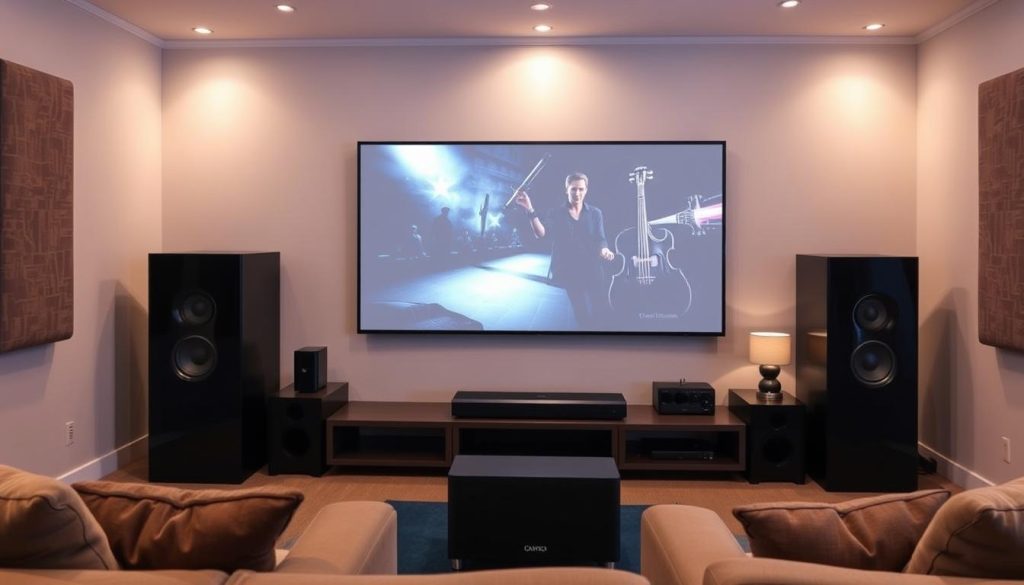
“The right audio components can transform a good home theater into a truly captivating experience.”
Understanding Surround Sound Systems
Surround sound systems have changed how we enjoy movies and music at home. They create an immersive audio experience. This is different from the old two-channel stereo sound.
Home Theater Speaker Configurations
Common surround sound setups include 5.1, 7.1, and 9.1 systems. The first number shows how many full-range speakers there are. The decimal number is for the subwoofer channel.
It’s important to place speakers correctly for the best sound. The center channel should be under or above the TV. Side speakers are at 30-degree angles, and rear speakers at 90-110 degrees.
Subwoofer Integration
The subwoofer is key in a surround sound system. It handles the low-frequency sounds that make the audio richer. Finding the right spot for the subwoofer can improve the bass.
Audio Format Compatibility
To get the most out of a surround sound system, make sure it works with the right audio formats. Dolby Digital and DTS are popular formats. They offer a high-quality audio experience when used with the right equipment.
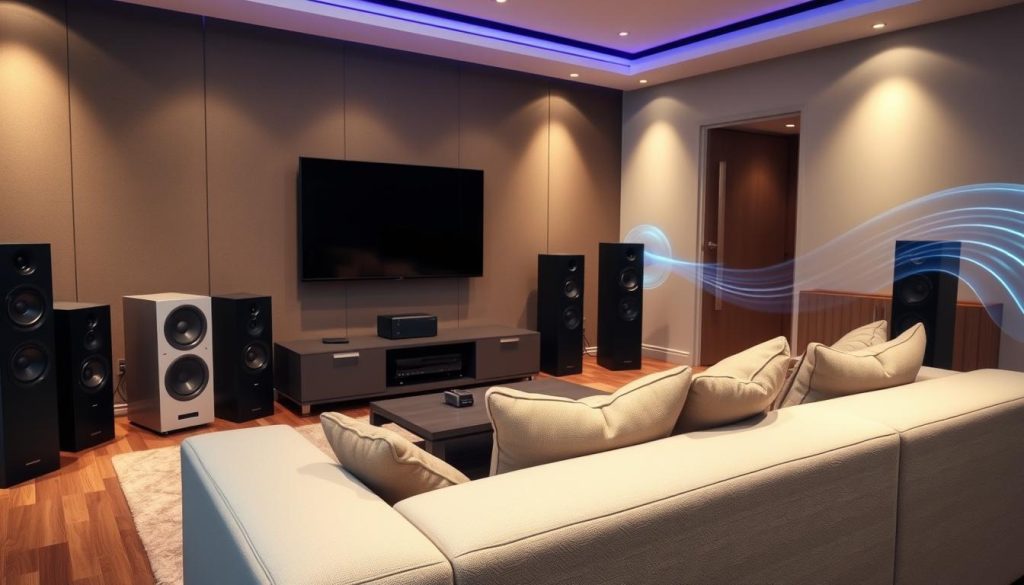
“Surround sound systems have transformed the way we experience audio in our homes, creating a more immersive and captivating environment for movie-watching, gaming, and music listening.”
| Surround Sound Configuration | Speaker Channels | Subwoofer Channels |
|---|---|---|
| 5.1 | 5 | 1 |
| 7.1 | 7 | 1 |
| 9.1 | 9 | 1 |
AV Receiver Selection and Setup
Setting up a home theater system starts with the AV receiver. It’s the core that handles both audio and video signals. This makes your entertainment experience immersive. When picking an AV receiver, there are important things to think about.
First, make sure the receiver has enough HDMI inputs. You’ll need them for your TV, Blu-ray player, streaming devices, and gaming consoles. Look for HDMI 2.1 for better features like 4K and 8K support. Also, choose a receiver that supports Dolby Atmos and DTS:X for better sound.
The number of speaker channels is key. A 5.1 or 7.1 setup is good to start. But, some people choose 7.2.4 or 9.2.6 for a more immersive experience. Remember to check the power output and HDMI cable compatibility.
| Feature | Importance | Recommendation |
|---|---|---|
| HDMI Inputs | High | Aim for at least 5 HDMI inputs, with support for the latest HDMI 2.1 standard |
| Audio Decoding | High | Look for Dolby Atmos and DTS:X support for immersive surround sound |
| Speaker Channels | High | Consider a 7.2.4 or 9.2.6 configuration for a truly enveloping audio experience |
| Power Output | Moderate | Ensure the receiver can adequately power your speaker setup |
| HDMI Cable Compatibility | Moderate | Choose cables that match the specifications of your HDMI 2.1 receiver |
With the right AV receiver, your home theater system will be amazing. Think about these factors to find the perfect receiver. It will make your audio-visual equipment and home entertainment setup better.
Professional Wiring and Cable Management
Setting up a home theater system is more than picking the right parts. It’s also about the wiring and cable management. High-quality HDMI cables and the right speaker wire gauge are crucial. Every detail matters.
Cable Types and Requirements
The gauge of the speaker wire is key for audio connections. Use 16-4 gauge cables for side and rear speakers. For primary speakers, 12 or 14-gauge cables are better. Banana plugs make connections easier and more secure.
For video, choose high-quality HDMI cables. They keep the signal strong and prevent picture or sound issues. This ensures your system works well without audio-visual problems from tangled wires.
Hidden Wire Installation
Plan wire paths for a clean setup. Use conduit pipes or cable ladders to hide cables. This protects them and makes future changes easier. It also keeps your home theater looking good.
Connection Best Practices
- Label all cables for easy identification, using simple tags or colored tape.
- Ensure proper polarity connections (red to red, black to black) to avoid phase cancellation and optimize audio performance.
- Secure cables using Velcro wraps or cable ties to maintain a tidy appearance and prevent tangles.
- Consider wall channels or recessed boxes to hide HDMI cables and other connections, creating a seamless look.
By following these tips, you can improve your home theater’s performance and look. This ensures a great entertainment experience.
Room Acoustics and Sound Treatment
Creating the perfect home theater needs careful attention to room acoustics. It’s important to balance reflective and absorptive surfaces. Carpets, curtains, or rugs can soak up high-frequency sounds. Meanwhile, placing acoustic panels on walls and ceilings can manage reflections.
To handle low-frequency sounds, consider bass traps in room corners. These special absorbers can tame the tough bass response that home theaters often face. For more advanced setups, using staggered or double-stud walls, along with acoustic insulation, can boost soundproofing and keep out external noise.
There’s no one-size-fits-all solution, but mixing absorptive and reflective elements can create a balanced sound. By focusing on room acoustics and smart sound treatment, you can take your home theater to new heights of sound quality.
“The choice of absorbing or reflecting side wall early reflections can be left to the designer/installer/customer in home theater setup for stereo listening.”
Research shows that how we hear sound and room acoustics is influenced by our adaptation and musical taste. With the right mix of acoustic treatments, you can craft a home theater that matches your personal audio preferences.
Theater Seating and Room Layout
Designing a great home entertainment center starts with the seating. The right placement and setup of theater seating are key. They help get the best viewing angles and make the experience more immersive.
Optimal Viewing Angles
The screen should be 1.5 to 2.5 times the display’s diagonal width away. This ensures the screen covers at least 30 degrees of your vision. It makes the movie feel more real.
The screen should also be a bit higher than your eye level. This makes watching more comfortable and natural.
Seating Configurations
- For smaller spaces, a single row of seats or a cozy sofa works well.
- In bigger rooms, tiered seating is best. Each row should be about 12 inches higher than the last for the best view.
- Make sure there’s 3-4 feet of space between seats and walls. This makes it easy to move around.
Comfort Considerations
Choose seats that are stylish and comfy for long movie nights. Go for high-quality recliners or plush sofas. They should have lots of legroom, back support, and extras like cupholders and USB ports.
Remember, leave at least 6 feet between rows. This lets everyone recline comfortably and enjoy the movie.
| Seating Arrangement | Minimum Aisle Space | Distance Between Rows |
|---|---|---|
| 1 chair | 20 inches | 30 inches |
| 2 chairs | 20 inches | 36 inches |
| 3 chairs | 20 inches | 36 inches |
| 4 chairs | 24 inches | 36 inches |
| 5 chairs | 24 inches | 36 inches |
| 6 chairs | 24 inches | 36 inches |
Smart Home Integration and Control
Home entertainment is changing fast, and smart home tech is key. It makes your home theater better by adding convenience and control. Voice assistants like Amazon Alexa and Google Assistant let you control things with just your voice.
Smart lights are great for movie nights. They adjust to the room’s light, making it perfect for watching movies. You can use a universal remote or a smartphone app to control everything easily.
For the best experience, consider motorized curtains or automated screens. They turn your living room into a movie theater. Smart home tech makes your movie nights better and easier than ever.